
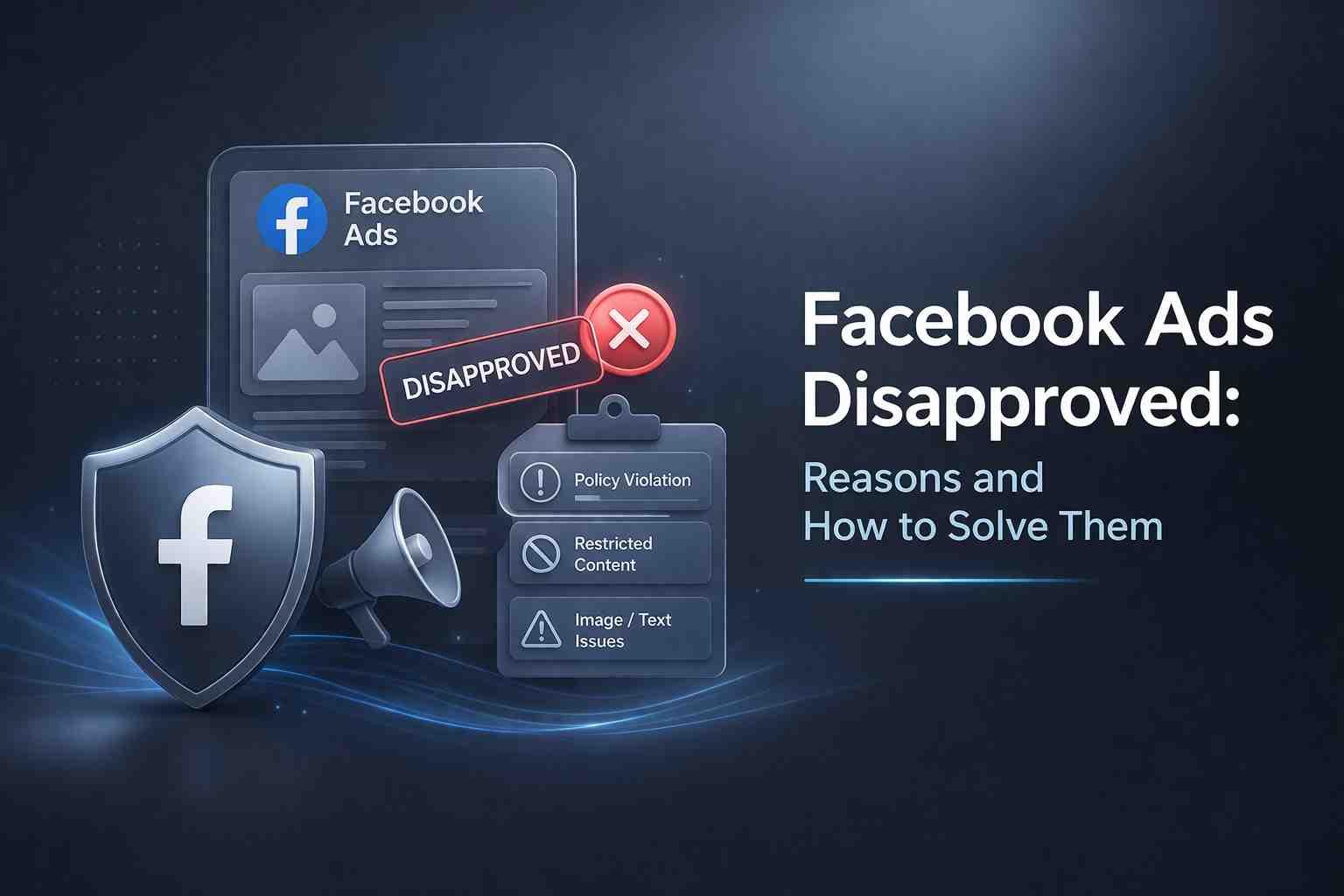
In increasing marketing competition, Facebook Ads are one of the best ways to target new users and promote a business. However, some advertisers face ad disapproval issues, and sometimes this problem can make them feel frustrated and demotivated.
Let’s try to solve this problem through this guide. There are some steps you can follow to fix Facebook ads disapproval.
Identify the cause of your facebook ad disapproved
- Facebook ad policy violation – Your ad breaks platform rules
- Misleading claims – Overpromising results or false statements
- Landing page mismatch – Ad says one thing, page shows something else
- Restricted niches – Health, dating, finance need strict compliance
- Poor ad quality – Low-quality image, grammar errors, or spam-like content
When your ad gets rejected, always check the message inside Facebook Ads Manager. It gives a basic reason for disapproval.
Fixing a Facebook Ad That Was Not Approved
If your Facebook ads not approved, don’t panic. You can fix it by following a simple process.
Step 1: Review the Policy
Go through the related policy section. Understand what rule your ad is breaking.
Step 2: Edit Your Ad
- Remove bold claims like “guaranteed results”
- Avoid sensitive wording
- Keep language simple and clear
Step 3: Check Landing Page
Make sure:
- Same offer is shown
- No broken links
- Proper privacy policy is added
Step 4: Improve Ad Quality
- Use clean images
- Avoid too much text in visuals
- Fix grammar mistakes
Step 5: Submit Again or Appeal
After changes, resubmit your ad. If you believe it’s correct, submit an appeal.
This process helps in ads rejected Facebook fix and improves approval chances.
What Decides How Fast My Ad Gets Approved
Many advertisers ask why some ads get approved fast while others take time.
Here are the main factors:
- Account history – Old and clean accounts get faster approval
- Ad content – Simple ads pass quickly
- Keyword usage – Sensitive words slow down review
- Landing page trust – New or risky domains take longer
- Target audience – Wrong targeting can trigger manual review
Tools and Resources to Support Compliance
To avoid disapproved Facebook ads, you need to follow rules and use proper tools.
Useful resources:
- Facebook Ads Manager – Check ad status and errors
- Meta Ads Policy page – Understand allowed and restricted content
- Grammar tools – Fix language mistakes
- Image check tools – Avoid heavy text in images